Developer Tools for Everyday Formatting and Conversion
This tools collection helps users work with common data formats and text transformations directly in the browser. You can format messy JSON, XML, or YAML, validate syntax, convert between CSV and JSON, encode or decode Base64 content, and build cron expressions for scheduled jobs.
These apps are useful when working with API responses, configuration files, exported spreadsheets, encoded strings, automation schedules, and structured data shared between systems.
How to Choose the Right Tool
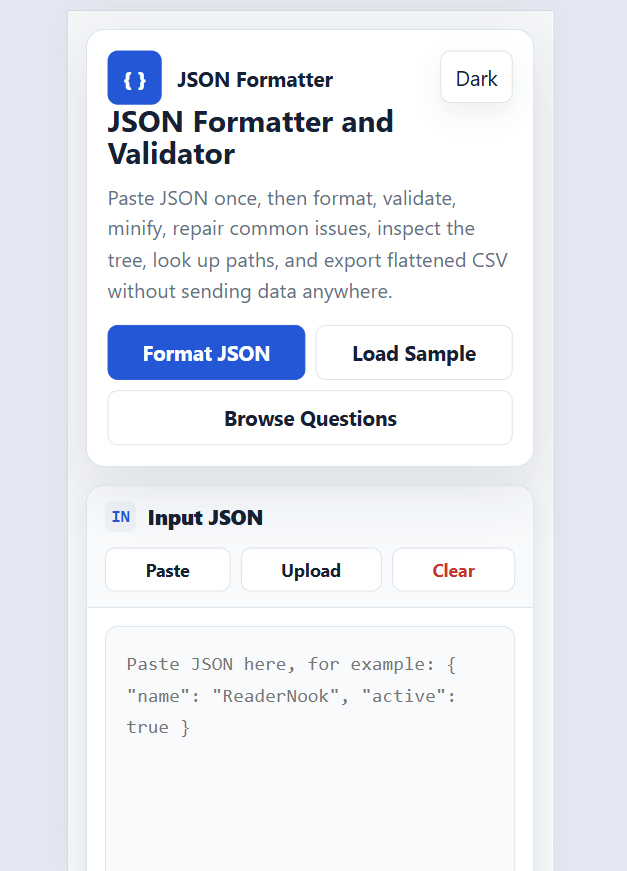
- Use the JSON Formatter Validator when you need to format, validate, minify, repair, inspect, or convert JSON data.
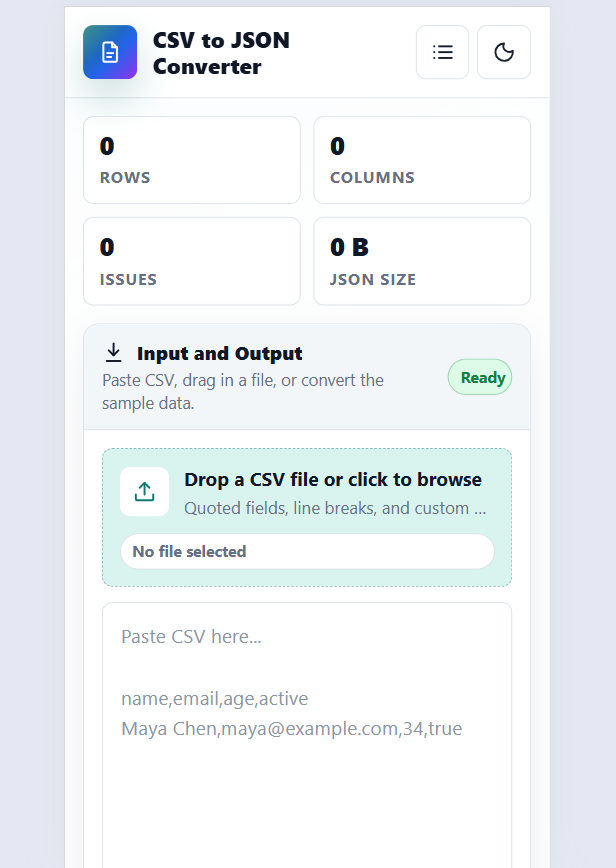
- Use the CSV to JSON Converter when spreadsheet-style rows need to become clean JSON for APIs, testing, or imports.
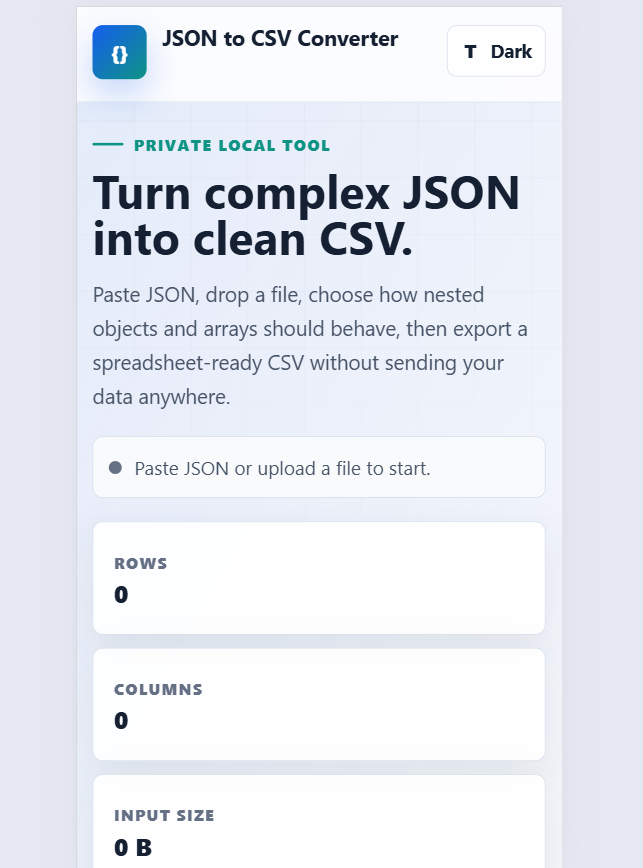
- Use the JSON To CSV Converter when JSON data needs to be flattened, previewed, copied, or downloaded as CSV.
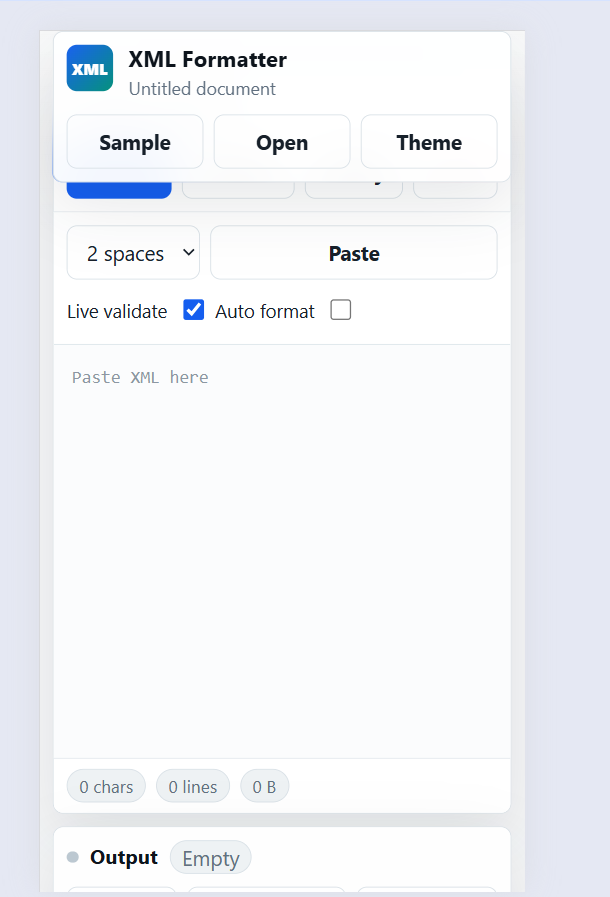
- Use the XML Formatter when you need readable XML, validation help, tree inspection, stats, or file upload support.
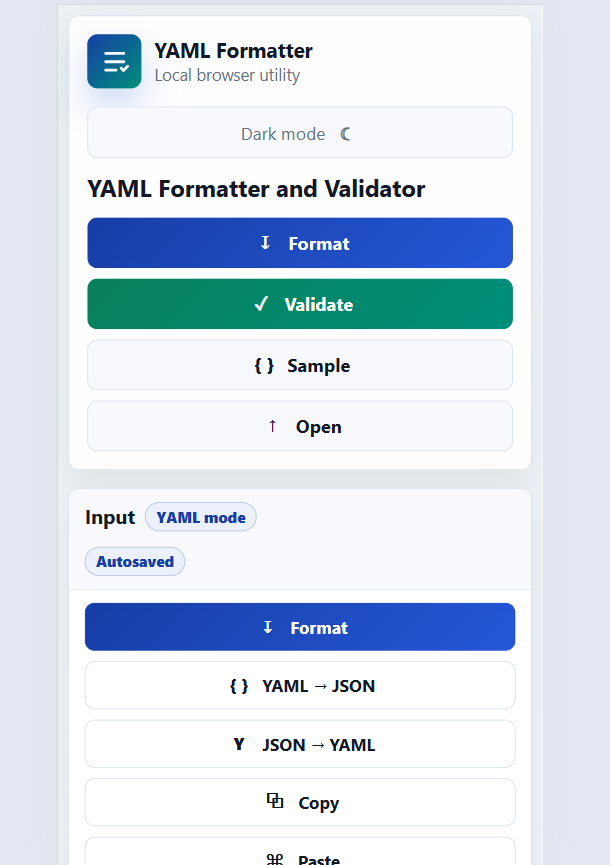
- Use the YAML Formatter Validator when working with configuration files, indentation issues, duplicate keys, or YAML to JSON conversion.
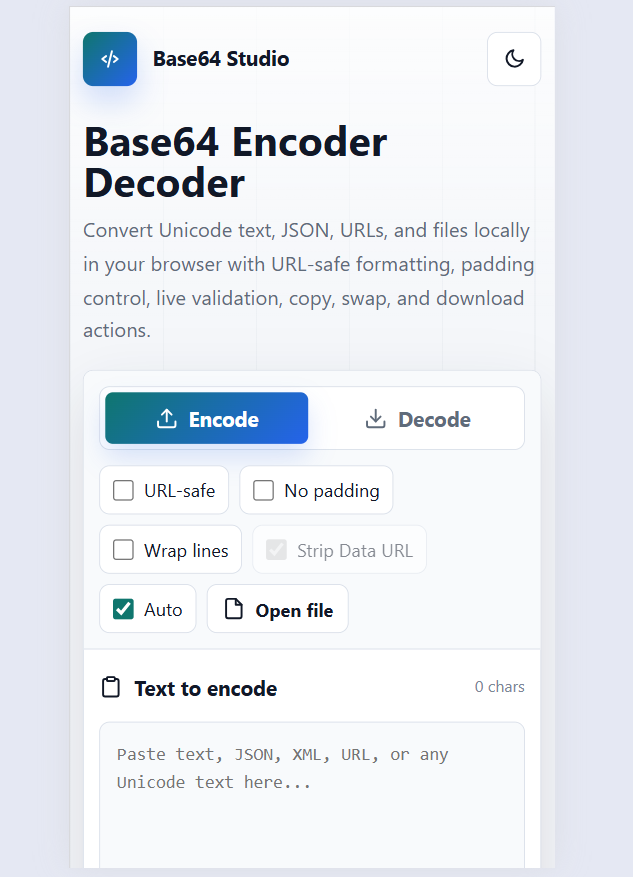
- Use the Base64 Encoder Decoder for encoding or decoding text, JSON, URLs, Unicode content, or small file data.
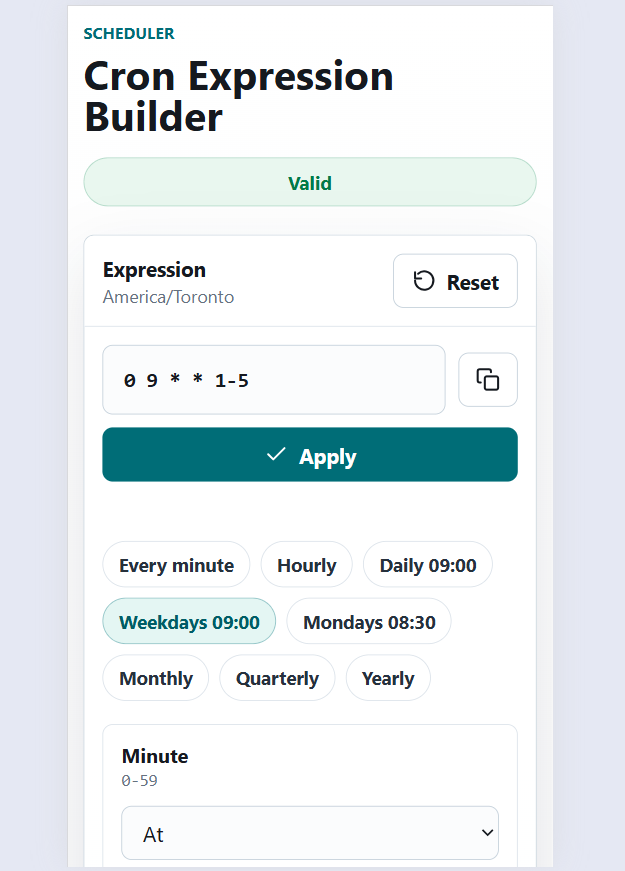
- Use the Cron Expression Builder to create, explain, validate, and preview scheduled job expressions.
Practical Use Cases
- Clean and validate an API payload before sending it in a request or saving it in documentation.
- Convert CSV test data into JSON objects for development, QA testing, mock APIs, or sample datasets.
- Turn JSON exports into CSV files for spreadsheets, reporting, review, or sharing with non-developers.
- Format XML or YAML configuration files so errors are easier to find and fix.
- Decode Base64 strings found in logs, tokens, sample payloads, or encoded configuration values.
- Create cron schedules for batch jobs, reminders, reports, scripts, backups, or automation tasks.
Why Use Browser-Based Tools
These standalone tools are designed for quick work without installing extra software or setting up a project. Many tasks only require pasting content, choosing an option, previewing the result, and copying or downloading the cleaned output.
For best results, use sample or non-sensitive data when testing transformations, and review the output before using it in production systems, scripts, scheduled jobs, or shared files.
Frequently Asked Questions
What tools are included in this category?
This category includes browser-based tools for Base64 encoding and decoding, cron expression building, CSV to JSON conversion, JSON to CSV conversion, JSON formatting and validation, XML formatting, and YAML formatting or validation.
Can I use these tools for API testing and development work?
Yes. These tools are useful for formatting API responses, validating JSON payloads, converting test data, checking configuration files, decoding Base64 strings, and preparing data for development or QA workflows.
Which tool should I use to convert spreadsheet-style data into JSON?
Use the CSV to JSON Converter when you have comma-separated or spreadsheet-style data that needs to become structured JSON for APIs, imports, mock data, or testing.
Which tool should I use to make JSON, XML, or YAML easier to read?
Use the JSON Formatter Validator for JSON, the XML Formatter for XML, and the YAML Formatter Validator for YAML. These tools help clean indentation, validate syntax, and make structured data easier to inspect.
Can I convert JSON back into CSV?
Yes. The JSON To CSV Converter helps turn JSON data into CSV with options for headers, nested objects, arrays, preview, copy, and download.
What is the Cron Expression Builder used for?
The Cron Expression Builder helps create, validate, explain, and preview cron schedules for jobs, scripts, reports, reminders, backups, and other automated tasks.